Home | Community | Message Board

Magic Mushrooms Zamnesia
This site includes paid links. Please support our sponsors.


Welcome to the Shroomery Message Board! You are experiencing a small sample of what the site has to offer. Please login or register to post messages and view our exclusive members-only content. You'll gain access to additional forums, file attachments, board customizations, encrypted private messages, and much more!

Myyco.com Shop: Golden Teacher Liquid Culture For Sale

Jump to first unread post Pages: 1
Hooking up my computer to my T.V.
    #12078375 -

I have a relatively new computer that came with an HDMI output on the back. I just bought a brand new flat screen in december that has HDMI inputs on it. I was under the assumption that all I needed was an HDMI cable to connect the two and both screens would be playing what was on my computer. I hooked them together and nothing happened. The tv is still black and my computer hasn't changed.
I was thinking maybe I needed to configure some things between the two of them, but I have no idea where to begin. Anyone know how to get this to work?


--------------------
“Let’s put it this way – to lump psychedelic mushrooms into the same group as methamphetamine is like lumping the Bible into the same group as Mein Kampf.
I mean shit; they’re both books, right?”

Joe Rogan


R.I.P. - "Bones" - One of the greatest people I've ever had the pleasure of getting to know and become friends with.

Extras: Filter Print Post Top
Re: Hooking up my computer to my T.V. [Re: cookeman]
    #12078500 -

Quote:
You may have to edit setting on the tv And laptop, right click desktop>properties resolution and right click the monitor that should be enabled and hit attach, or if its windows 7 it might do it automatically


simple as that, milkman off here helped me figure it out the other day.:thumbup:

Extras: Filter Print Post Top
Re: Hooking up my computer to my T.V. [Re: ShroomerRoss]
    #12078622 -

yeah that should do it. the setting would bein there if anywhere.


also, if youre looking for a media frontend, i really like XBMC. it allows HD video content to offload to the video card. basically you can play 1080p video and only use about 10% of your cpu.

i actually just found a new remote for XBMC on my Android phone. its not in the android market yet because it is still in beta. it works really well for me though.. for the most part anyway.
http://code.google.com/p/android-xbmcremote/


--------------------

Extras: Filter Print Post Top
Re: Hooking up my computer to my T.V. [Re: ShroomerRoss]
    #12078974 -

ShroomerRoss said:
Quote:
You may have to edit setting on the tv And laptop, right click desktop>properties resolution and right click the monitor that should be enabled and hit attach, or if its windows 7 it might do it automatically


simple as that, milkman off here helped me figure it out the other day.:thumbup:


When I right click my desktop the only option I see that would help me is the "personalize" option. I have Vista. Not sure if that makes a difference. Then i have Windows color and appearance, Desktop background, Screen saver, Sounds, Mouse pointers, Theme, and display settings as options. I clicked on "display settings" and all it helps me to do is change the resolution on my computer screen. There's no option to connect a second monitor. When I plug the tv into the computer it makes the sound effect that something got plugged in, but nothing happens.


--------------------
“Let’s put it this way – to lump psychedelic mushrooms into the same group as methamphetamine is like lumping the Bible into the same group as Mein Kampf.
I mean shit; they’re both books, right?”

Joe Rogan


R.I.P. - "Bones" - One of the greatest people I've ever had the pleasure of getting to know and become friends with.

Extras: Filter Print Post Top
Re: Hooking up my computer to my T.V. [Re: cookeman]
    #12079005 -

cookeman said:
ShroomerRoss said:
Quote:
You may have to edit setting on the tv And laptop, right click desktop>properties resolution and right click the monitor that should be enabled and hit attach, or if its windows 7 it might do it automatically


simple as that, milkman off here helped me figure it out the other day.:thumbup:


When I right click my desktop the only option I see that would help me is the "personalize" option. I have Vista. Not sure if that makes a difference. Then i have Windows color and appearance, Desktop background, Screen saver, Sounds, Mouse pointers, Theme, and display settings as options. I clicked on "display settings" and all it helps me to do is change the resolution on my computer screen. There's no option to connect a second monitor. When I plug the tv into the computer it makes the sound effect that something got plugged in, but nothing happens.


right click, and then click graphic properties, and it will say single display and mutiple display, all i had to do was click mutiple display. i got vista as well.

Extras: Filter Print Post Top
Re: Hooking up my computer to my T.V. [Re: ShroomerRoss]
    #12082241 -

^^^^ what he said.

its in the properties man. did you try to just restart your comp after it was all hooked up?


--------------------
MY TRADE LIST!!!

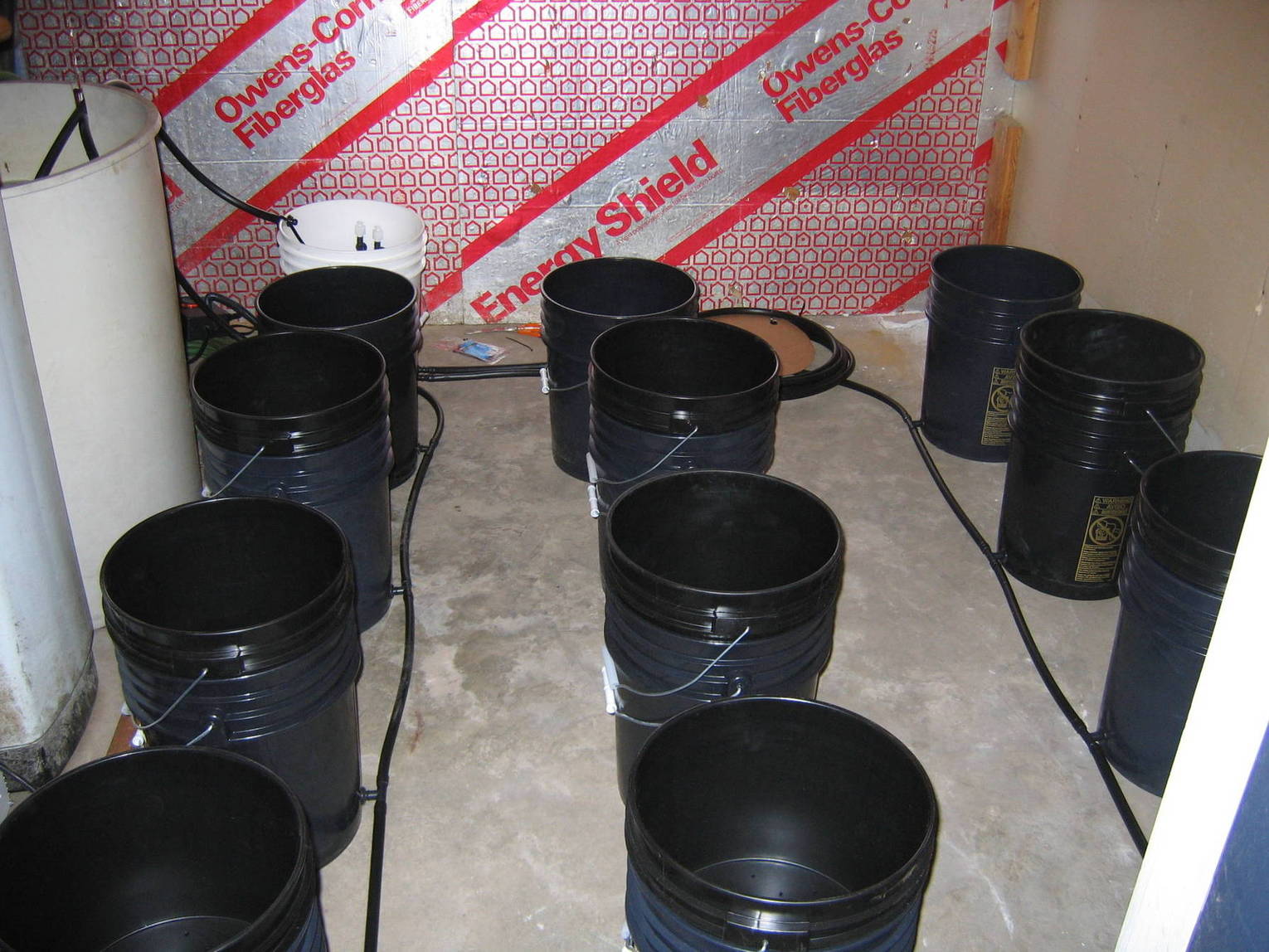
FULLY AUTOMATIC!! 12-Pot Multi Grow Hydroponic System for Trade.


Download PSX ISOs

Extras: Filter Print Post Top
Re: Hooking up my computer to my T.V. [Re: legallyhomeless]
    #12084217 -

I tried it. Didn't work. I think there might be something messed up with the hdmi drive on my computer. I'm onna see if a friend of mines' computer will work just to rule it out.


--------------------
“Let’s put it this way – to lump psychedelic mushrooms into the same group as methamphetamine is like lumping the Bible into the same group as Mein Kampf.
I mean shit; they’re both books, right?”

Joe Rogan


R.I.P. - "Bones" - One of the greatest people I've ever had the pleasure of getting to know and become friends with.

Extras: Filter Print Post Top
Re: Hooking up my computer to my T.V. [Re: cookeman]
    #12084462 -

My last TV would only work as a monitor if I booted the PC while the power was on to the TV. Perhaps your PC sends a signal to the TV and when,if it doesn't get one back, the HDMI out is disabled by your video card.


--------------------
You cannot legislate the poor into prosperity by legislating the wealthy out of prosperity. What one person receives without working for another person must work for without receiving. The government cannot give to anybody anything that the government does not first take from somebody else. When half of the people get the idea that they do not have to work because the other half is going to take care of them and when the other half gets the idea that it does no good to work because somebody else is going to get what they work for that my dear friend is the beginning of the end of any nation. You cannot multiply wealth by dividing it. ~ Adrian Rogers

Extras: Filter Print Post Top
Re: Hooking up my computer to my T.V. [Re: luvdemshrooms]
    #12085040 -

Could also be an HDCP issue.


--------------------
Those who would give up a little freedom to get a little security shall soon have neither.
-Benjamin Franklin

Extras: Filter Print Post Top
Re: Hooking up my computer to my T.V. [Re: Legend9123]
    #12085830 -

Legend9123 said:
Could also be an HDCP issue.


i doubt it considering that is only really done on Bluray drives. he should at least get the desktop on the tv. playing unencrypted video files should be fine.

and if he is playing Bluray videos then PowerDVD (or whatever is currently used) would take care of the copy protection.


--------------------

Extras: Filter Print Post Top
Re: Hooking up my computer to my T.V. [Re: frith]
    #12089848 -

Nope. I can't get anything to change on the t.v. when its hooked up to the computer. Just a black screen like it is when I first turn it on. I've tried turning the tv on first and restarting the computer. restarting the computer then turning the t.v. on and a slew of other advice. haven't been able to find anyone else with a laptop that has an hdmi drive I can test out to rule out my computer being screwed up.


--------------------
“Let’s put it this way – to lump psychedelic mushrooms into the same group as methamphetamine is like lumping the Bible into the same group as Mein Kampf.
I mean shit; they’re both books, right?”

Joe Rogan


R.I.P. - "Bones" - One of the greatest people I've ever had the pleasure of getting to know and become friends with.

Extras: Filter Print Post Top
Re: Hooking up my computer to my T.V. [Re: cookeman]
    #12089986 -

dont want to sound like a douche but are you sure the tv is on the right input?


--------------------

Extras: Filter Print Post Top
Re: Hooking up my computer to my T.V. [Re: frith]
    #12090862 -

Yeah I'm sure. I hooked it up to all 3 hdmi outputs and none of them worked. I'm open to any questions though so don't sweat it.


--------------------
“Let’s put it this way – to lump psychedelic mushrooms into the same group as methamphetamine is like lumping the Bible into the same group as Mein Kampf.
I mean shit; they’re both books, right?”

Joe Rogan


R.I.P. - "Bones" - One of the greatest people I've ever had the pleasure of getting to know and become friends with.

Extras: Filter Print Post Top
Re: Hooking up my computer to my T.V. [Re: cookeman]
    #12090891 -

what make and model computer?


--------------------

Extras: Filter Print Post Top
Re: Hooking up my computer to my T.V. [Re: frith]
    #12091679 -

This is directly from the sticker on my computer:

model: Gateway DX4200-UB001A
S/No.: XBG85 4 10 00790
SNID: 82203725327

and my graphics card is ATI Radeon HD 3450


--------------------
“Let’s put it this way – to lump psychedelic mushrooms into the same group as methamphetamine is like lumping the Bible into the same group as Mein Kampf.
I mean shit; they’re both books, right?”

Joe Rogan


R.I.P. - "Bones" - One of the greatest people I've ever had the pleasure of getting to know and become friends with.

Extras: Filter Print Post Top
Re: Hooking up my computer to my T.V. [Re: cookeman]
    #12092005 -

i didnt see anything in the manual.

there might be a key combination that you need to push. usually you have to hit the Fn key (looks like its where the right windows key usually is) and one of the F keys along the top. there should be a graphic that looks like a TV on the keyboard.

try that.

if it doesnt work i would honestly just call Gateway when you get a chance. no need to beat yourself over the head with something so dumb.. :shrug:


--------------------

Extras: Filter Print Post Top
Re: Hooking up my computer to my T.V. [Re: frith]
    #12093783 -

sorry to hijack the thread but is my computer blurry on my tv because my tvs not high def???

Extras: Filter Print Post Top
Re: Hooking up my computer to my T.V. [Re: hidenseek]
    #12094172 -

probably.

CRT tvs are always blurry.


--------------------

Extras: Filter Print Post Top
Jump to top Pages: 1

Myyco.com Shop: Golden Teacher Liquid Culture For Sale


Similar ThreadsPosterViewsRepliesLast post
* computers works,but there is something wrong with it...(little help?) Deathexplosion 619 4 07/02/05 03:03 PM
by RuNE
* Computer Will Not Turn On gregorio 965 10 05/06/06 09:20 AM
by supra
* Networking laptop to desktop, easy and how? TackleBerry 1,066 8 06/21/03 05:33 PM
by Scvotto_Turellskey
* No Desktop Or Taskbar fireworks_godS 1,158 13 12/27/05 05:16 AM
by Taskenti
* what is needed in a computer to run multiple monitors???? agoutihead 1,792 16 10/17/06 04:32 PM
by Ythan
* For anyone looking to try linux as a desktop OS
( 1 2 all )
windex 6,371 37 02/07/03 12:32 AM
by Malformed
* LAN - KVM/Remote Desktop Fungi_x 480 0 10/15/05 04:15 PM
by Fungi_x
* I dont understand this computer problem *HELP* lsdandfrisbee 1,263 15 06/03/06 12:30 PM
by iateshaggy

Extra information
You cannot start new topics / You cannot reply to topics
HTML is disabled / BBCode is enabled
Moderator: trendal, automan, Northerner
1,097 topic views. 0 members, 0 guests and 18 web crawlers are browsing this forum.
[ Show Images Only | Sort by Score | Print Topic ]
Search this thread:

Copyright 1997-2026 Mind Media. Some rights reserved.

Generated in 0.033 seconds spending 0.009 seconds on 16 queries.